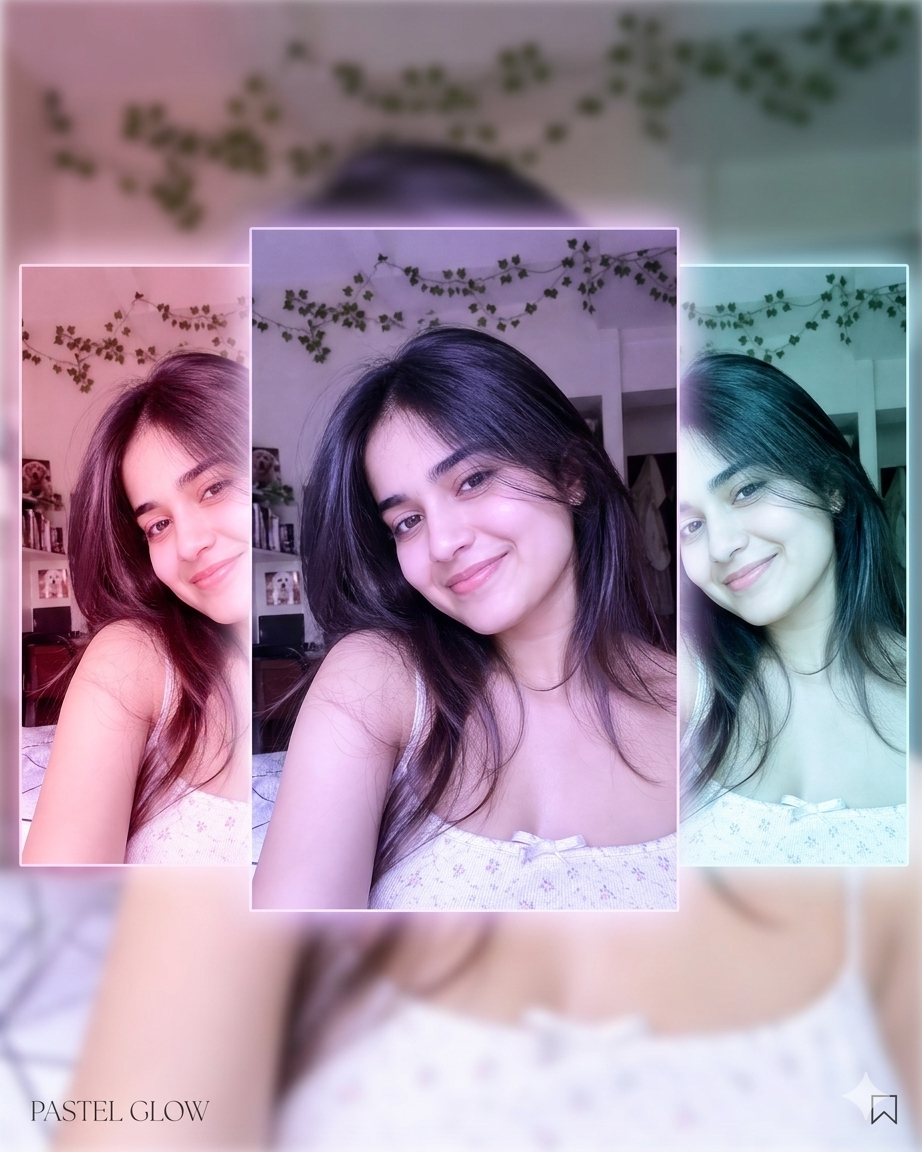
Create Stunning Triple-Image Designs from One Photo – In today’s AI world, you can turn a single image into a beautiful triple-image collage with different styles, moods, and aesthetics — all inside one frame. This technique is perfect for social media, thumbnails, reels, and creative branding.
Below are 5 high-quality AI prompts you can use. Each prompt is designed so that when you upload one image, it generates three variations combined into one stunning layout.
1. Cinematic Triple Mood Effect
What this creates:
A dramatic collage with three cinematic tones — warm, dark, and vibrant — giving your image a movie-like feel.
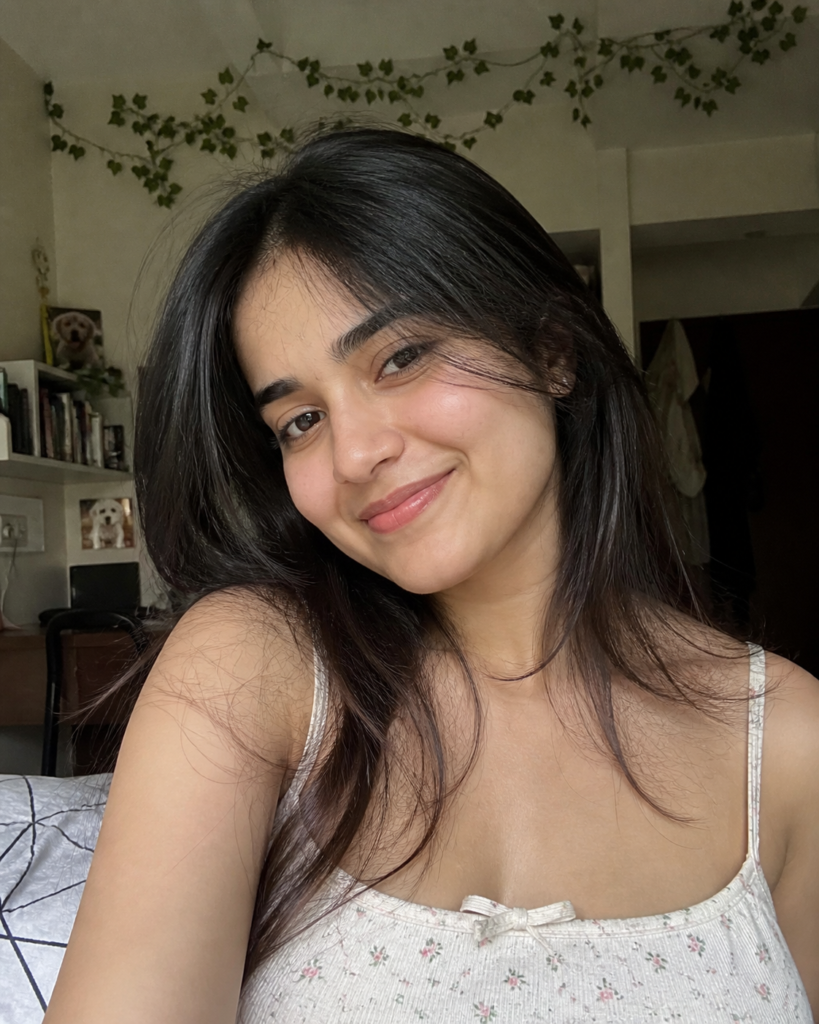
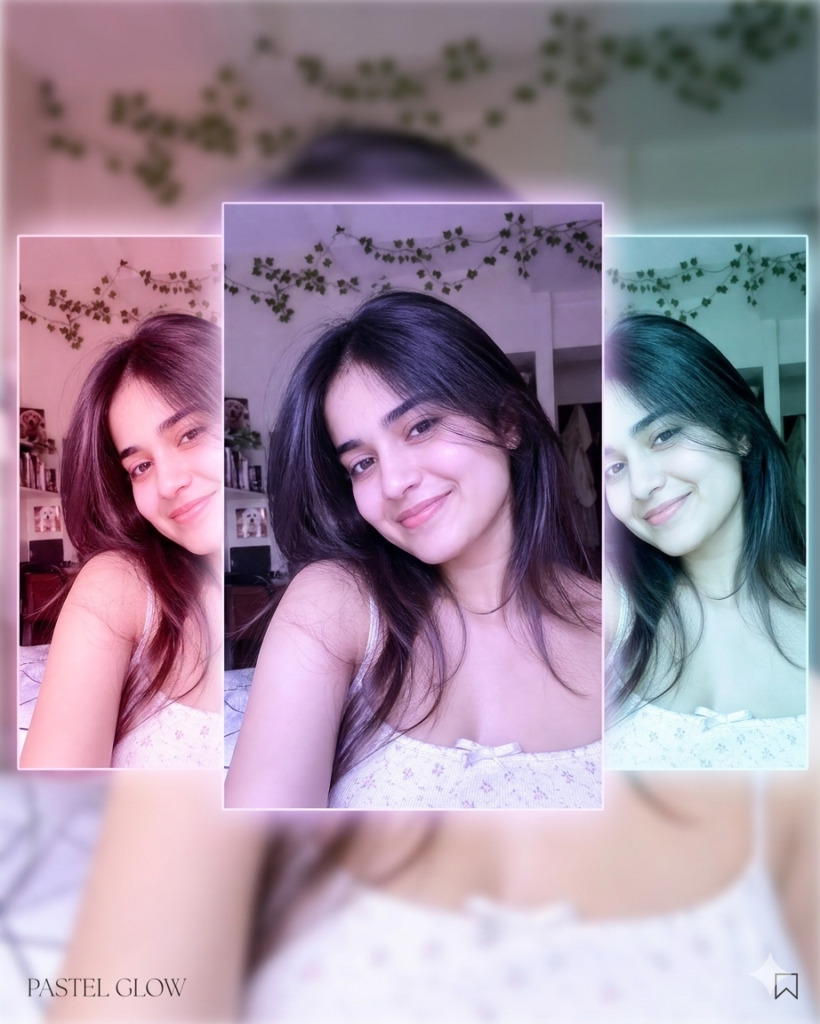
Prompt:
Create a cinematic triple-panel collage from one uploaded image. Divide the image into three sections:
left side with warm golden tones, center with natural realistic tones, and right side with dark moody blue tones.
Add soft lighting, depth of field, and a professional movie-style color grade. Make it visually stunning and high resolution.
Possible Problem:
Sometimes colors may look too harsh or unnatural.
Solution:
Add: “keep skin tones natural and balanced lighting”
2. Social Media Aesthetic Glow Design
What this creates:
A trendy Instagram-style glowing collage with soft pastel vibes.
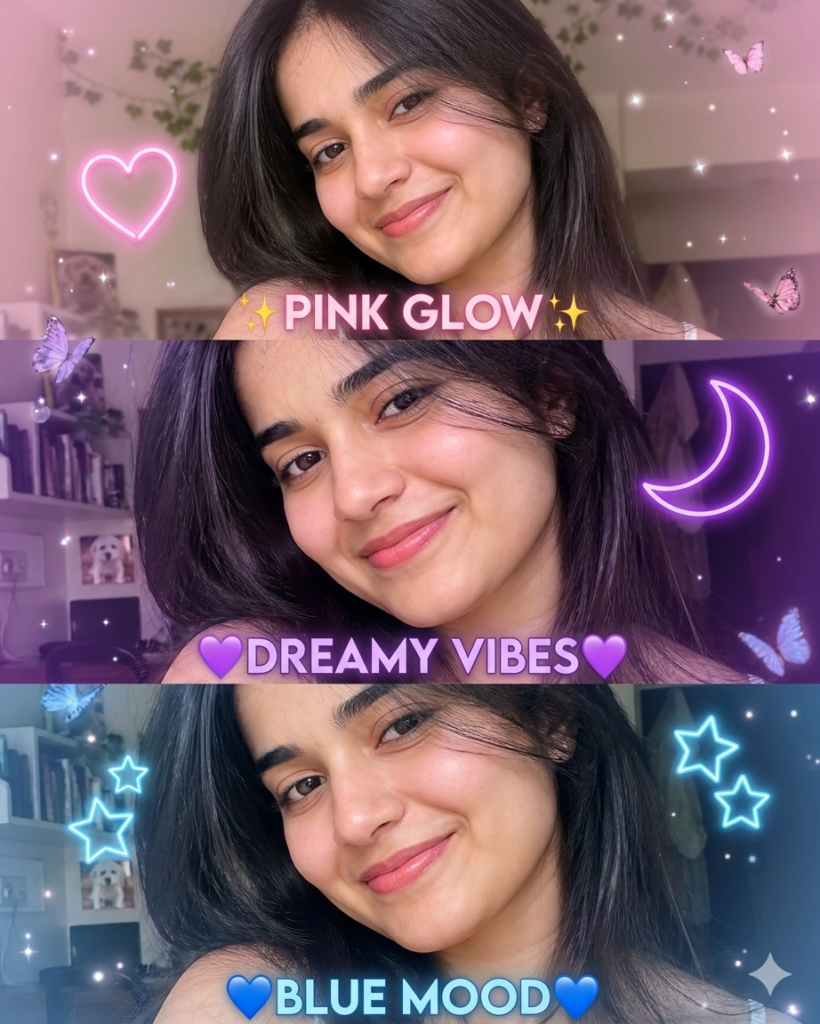
Prompt:
Transform one image into a beautiful triple-image collage with aesthetic pastel colors.
Each section should have a different glow effect: pink, purple, and blue neon lighting.
Add soft blur background, smooth skin tones, and modern social media style composition.
Possible Problem:
Glow may overpower the subject.
Solution:
Add: “focus on subject clarity, avoid overexposure”
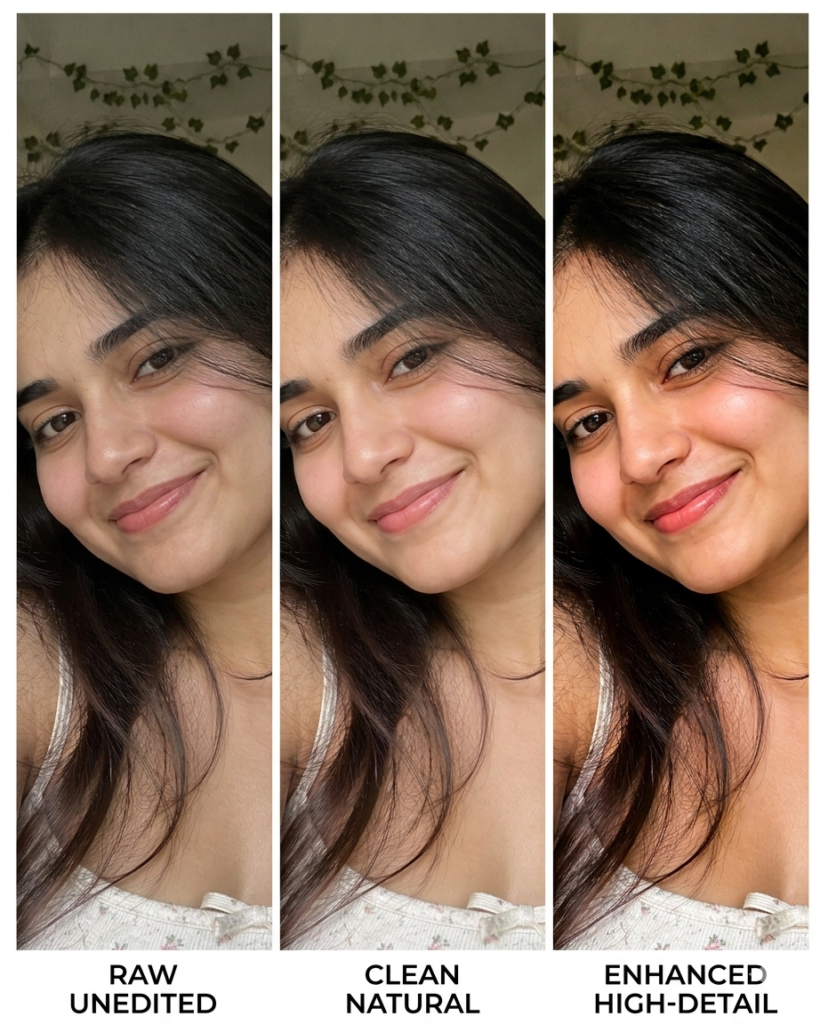
3. Before–After–Enhanced Look
What this creates:
A comparison-style design showing transformation (before, normal, enhanced).
Prompt:
Create a three-part collage from a single image showing transformation.
Left: raw unedited version, center: clean natural version, right: enhanced high-detail version with sharpness and vibrant colors.
Keep alignment perfect and professional editing style.
Possible Problem:
Differences may not look clear.
Solution:
Add: “increase contrast difference between each section”
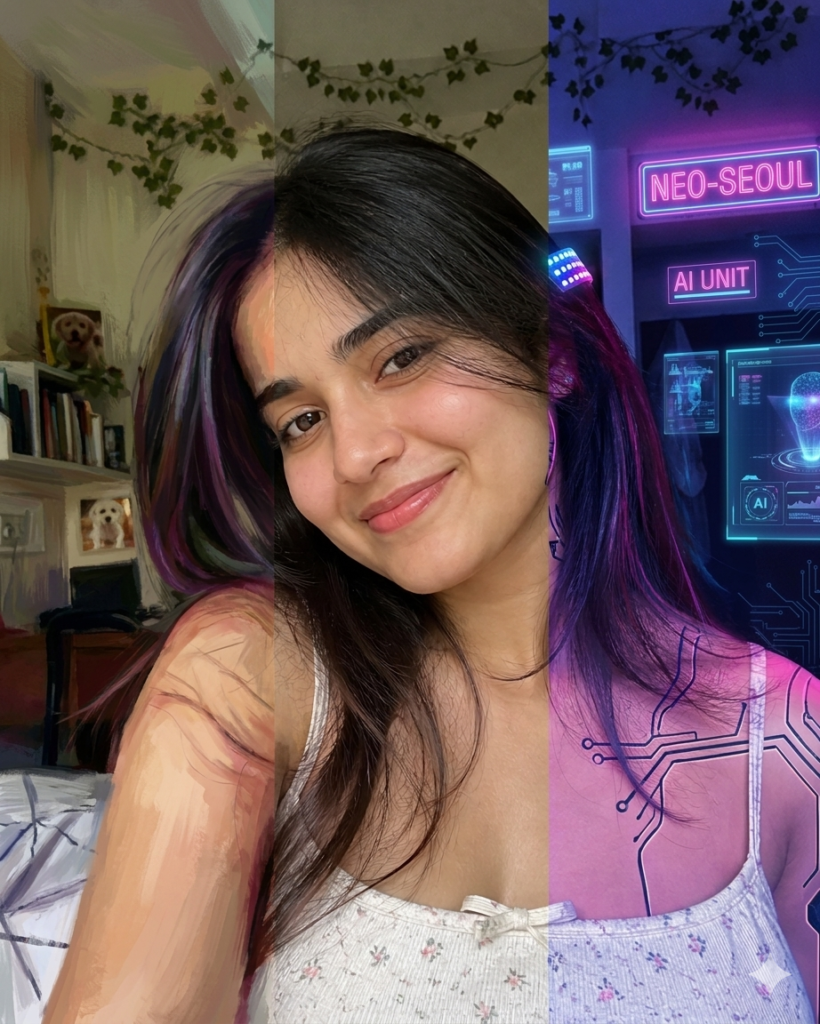
4. Artistic Painting + Real + Neon Mix
What this creates:
A creative blend of art styles in one frame.
Prompt:
Generate a triple-style image from one photo.
Left section as digital painting style, center as realistic original image, right as futuristic neon cyberpunk style.
Ensure smooth transitions and high detail in all three styles.
Possible Problem:
Styles may not blend smoothly.
Solution:
Add: “maintain consistent face structure across all styles”
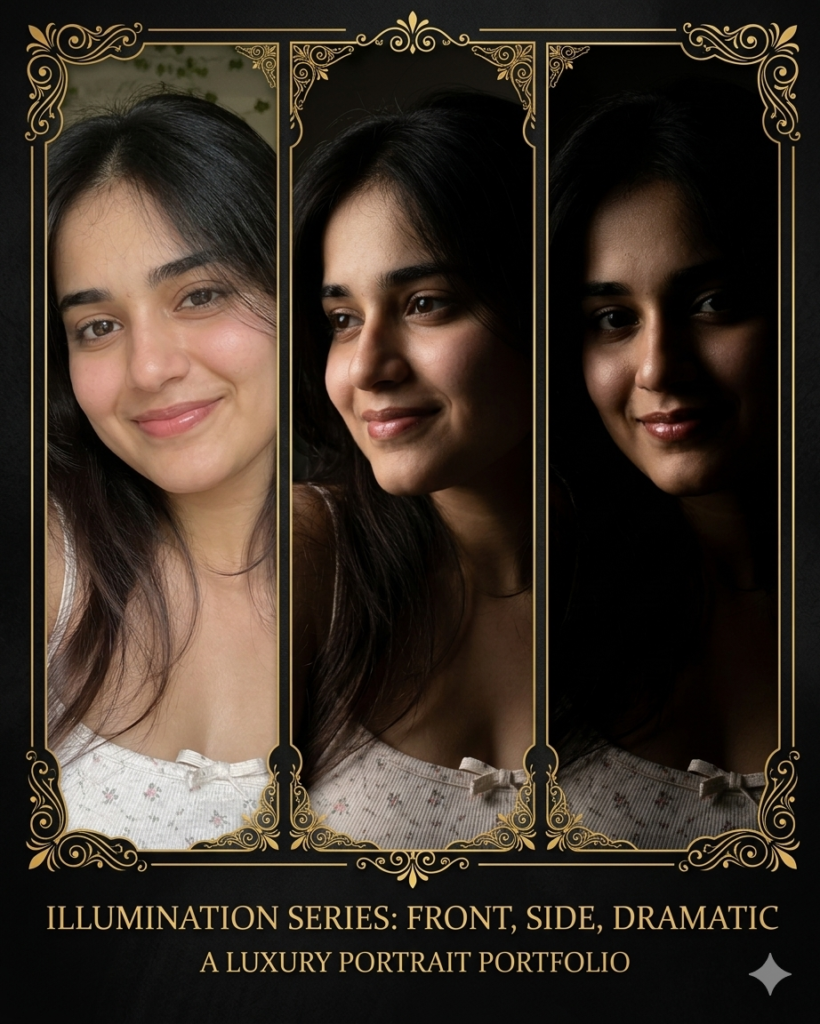
5. Luxury Poster Style Triple Frame
What this creates:
A premium poster-like design with a luxury feel.
Prompt:
Turn one image into a luxury triple-frame collage.
Use black and gold theme with elegant borders.
Each section should show different lighting angles (front, side, dramatic shadow).
Add high-end poster quality, sharp details, and premium finish.
Possible Problem:
Design may look too dark.
Solution:
Add: “maintain brightness balance and clear subject visibility”
Final Tip 🔥
Always use high-quality original images and include keywords like:
- “high resolution”
- “ultra detailed”
- “professional lighting”
This will give you next-level results.